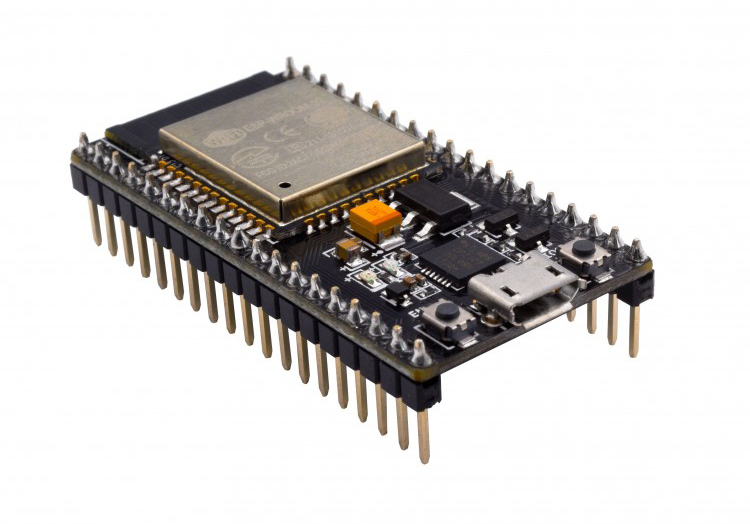
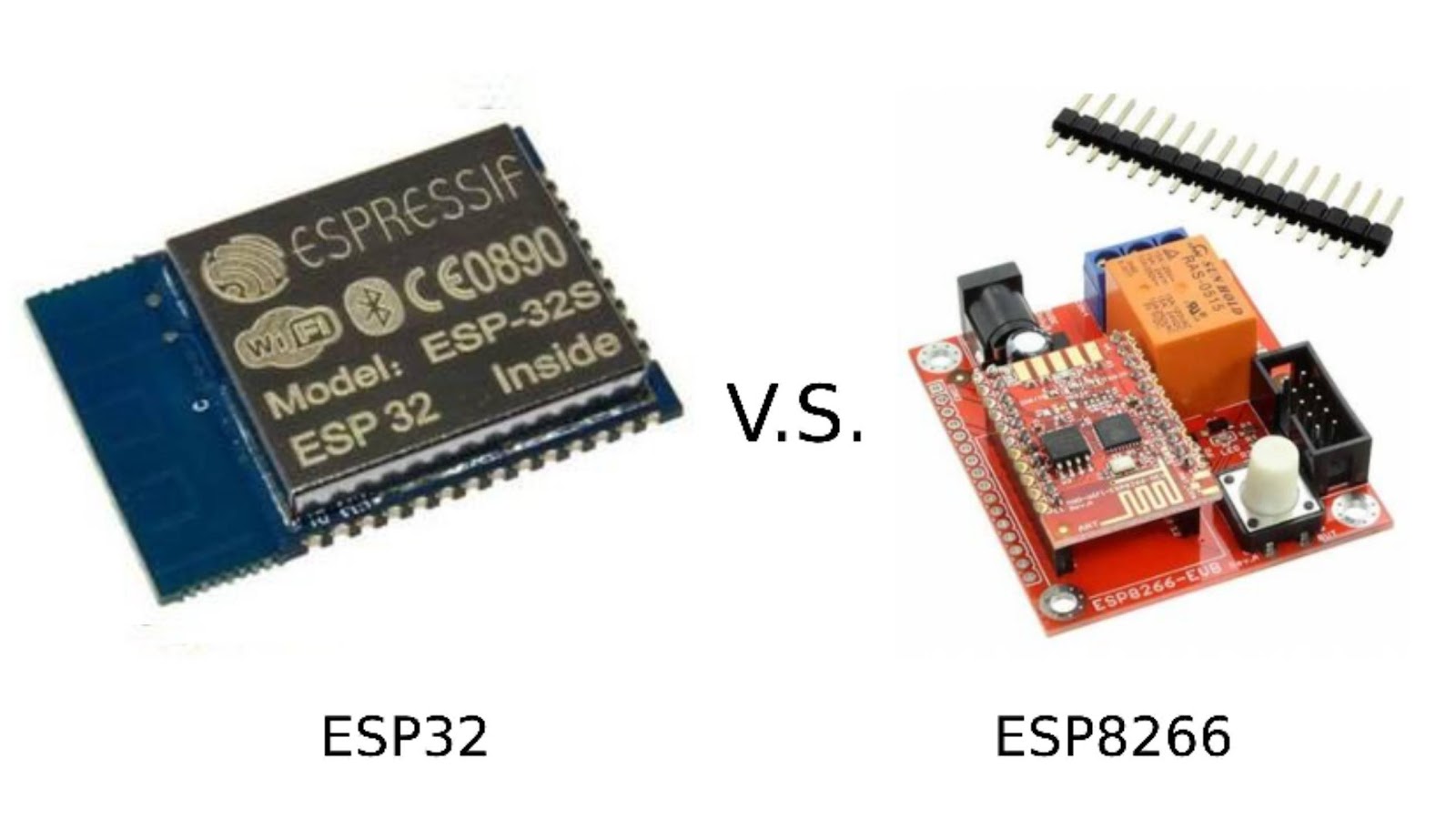
Today, I’m sharing one of my favorite ESP32 projects — a GPS-powered weather station. It’s perfect if you’ve got an ESP32 lying around, a little 1.8" ST7735 TFT screen, and a NEO-6M GPS module. We’ll use your real-time coordinates to fetch live weather data from the free Open-Meteo API, then display it in full color on the LCD. No need to hard-code your city — the GPS does all the work!
This is a fun, real-world IoT project that combines a handful of technologies — GPS, Wi-Fi, APIs, JSON parsing, and good old Arduino code.
What You’ll Need
Hardware:
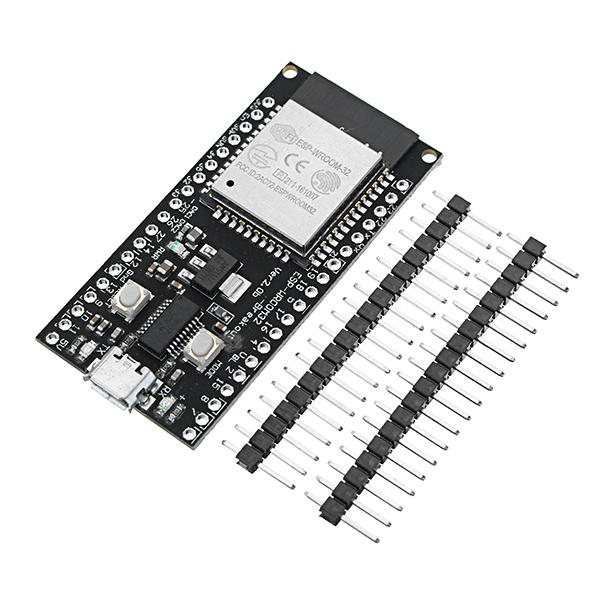
- ESP32 Dev Board (I used a generic one)
- NEO-6M GPS Module
- ST7735 1.8" SPI TFT LCD
- Breadboard and jumper wires
- Power source (USB cable or battery)
Software:
- Arduino IDE
- Required libraries (we’ll get to that in a sec)
Wiring It Up
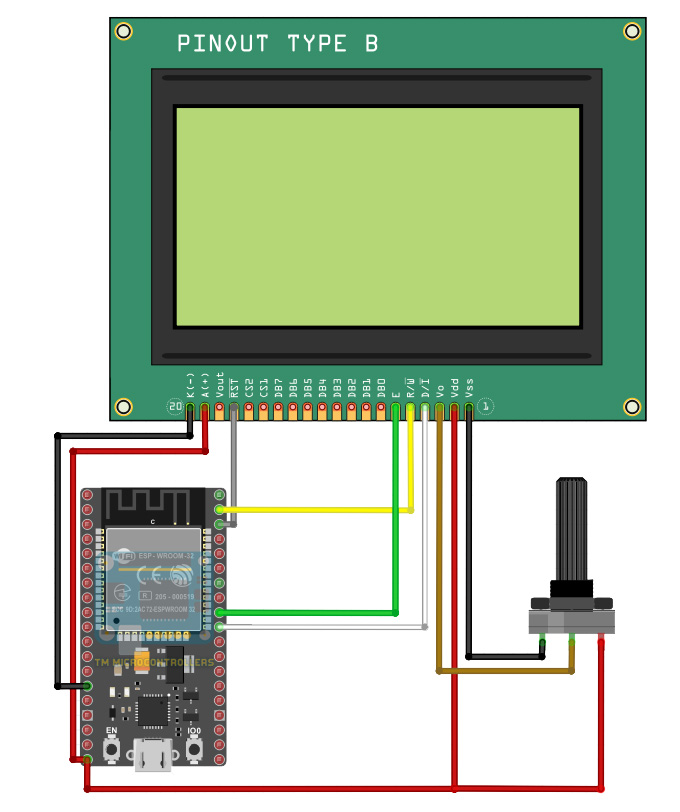
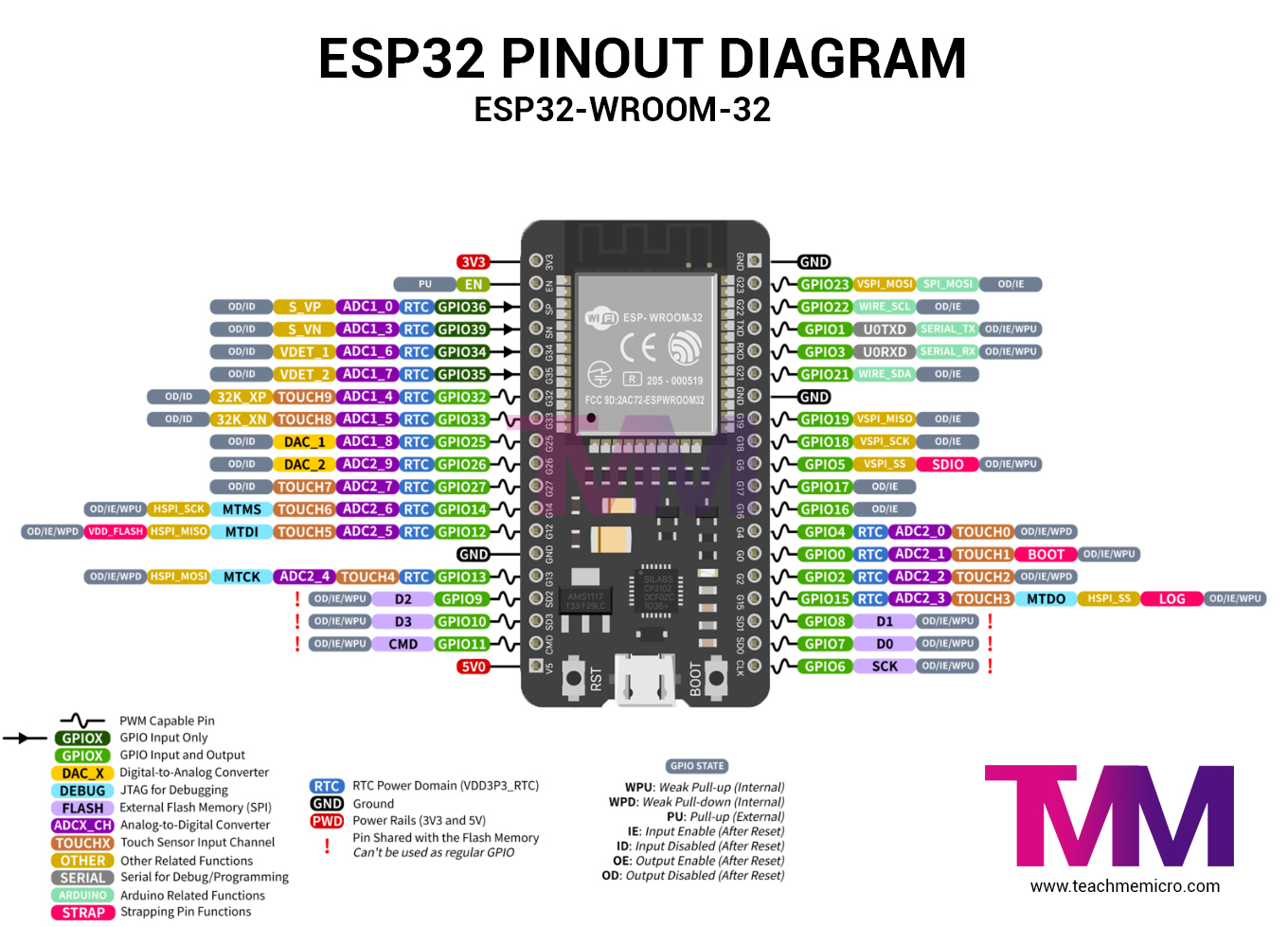
Let’s hook up everything. Here’s the connection table:
| Module | ESP32 Pin |
|---|---|
| NEO-6M GPS | |
| TX | GPIO 16 |
| RX | GPIO 17 |
| VCC | 3.3V or 5V |
| GND | GND |
| ST7735 LCD | |
| CS | GPIO 5 |
| DC | GPIO 2 |
| RST | GPIO 4 |
| MOSI | GPIO 23 |
| SCLK | GPIO 18 |
| VCC | 3.3V |
| GND | GND |
📝 Note: The GPS module works best outdoors or near a window. It needs a GPS fix before it can provide coordinates.
The Code
Here's the full code for this project:
<wifi.h><httpclient.h><tinygpsplus.h><hardwareserial.h><adafruit_gfx.h><adafruit_st7735.h><spi.h>#include <WiFi.h> #include <HTTPClient.h> #include <TinyGPSPlus.h> #include <HardwareSerial.h> #include <Adafruit_GFX.h> #include <Adafruit_ST7735.h> #include <SPI.h> #include <ArduinoJson.h> <arduinojson.h> // ========== WiFi Credentials ========== const char* ssid = "YOUR_SSID"; const char* password = "YOUR_PASSWORD"; // ========== GPS Setup ========== HardwareSerial GPSserial(2); // UART2 TinyGPSPlus gps; // ========== LCD Setup ========== #define TFT_CS 5 #define TFT_RST 4 #define TFT_DC 2 #define TFT_SCLK 18 #define TFT_MOSI 23 Adafruit_ST7735 tft = Adafruit_ST7735(TFT_CS, TFT_DC, TFT_RST); // ========== Timing ========== unsigned long lastUpdate = 0; const unsigned long updateInterval = 60000; // 60 sec void setup() { Serial.begin(115200); GPSserial.begin(9600, SERIAL_8N1, 16, 17); // RX=16, TX=17 tft.initR(INITR_BLACKTAB); tft.fillScreen(ST77XX_BLACK); tft.setRotation(1); tft.setTextWrap(false); tft.setTextColor(ST77XX_WHITE); tft.setTextSize(1); tft.setCursor(0, 0); tft.println("Connecting to WiFi..."); WiFi.begin(ssid, password); while (WiFi.status() != WL_CONNECTED) { delay(500); tft.print("."); } tft.println("\nWiFi connected!"); } void loop() { // Continuously read GPS data while (GPSserial.available() > 0) { gps.encode(GPSserial.read()); } // Check if valid GPS data is available if (gps.location.isValid() && millis() - lastUpdate > updateInterval) { lastUpdate = millis(); float latitude = gps.location.lat(); float longitude = gps.location.lng(); Serial.printf("GPS: %.6f, %.6f\n", latitude, longitude); fetchAndDisplayWeather(latitude, longitude); } } void fetchAndDisplayWeather(float lat, float lon) { if (WiFi.status() == WL_CONNECTED) { HTTPClient http; String url = "https://api.open-meteo.com/v1/forecast?latitude=" + String(lat, 6) + "&longitude=" + String(lon, 6) + "¤t_weather=true"; http.begin(url); int httpCode = http.GET(); if (httpCode > 0) { String payload = http.getString(); Serial.println(payload); DynamicJsonDocument doc(1024); DeserializationError error = deserializeJson(doc, payload); if (!error) { float temperature = doc["current_weather"]["temperature"]; float windspeed = doc["current_weather"]["windspeed"]; int weathercode = doc["current_weather"]["weathercode"]; tft.fillScreen(ST77XX_BLACK); tft.setCursor(0, 0); tft.setTextColor(ST77XX_WHITE); tft.setTextSize(1); tft.printf("Lat: %.2f\n", lat); tft.printf("Lon: %.2f\n", lon); tft.printf("Temp: %.1f C\n", temperature); tft.printf("Wind: %.1f km/h\n", windspeed); tft.printf("Code: %d\n", weathercode); displayWeatherIcon(weathercode); } else { Serial.println("JSON parse failed!"); } } else { Serial.println("HTTP request failed."); } http.end(); } } void displayWeatherIcon(int code) { tft.setTextSize(1); tft.setTextColor(ST77XX_CYAN); tft.setCursor(0, 70); // Simplified icon logic if (code == 0) { tft.println("Clear"); } else if (code <= 3) { tft.println("Partly Cloudy"); } else if (code <= 45) { tft.println("Cloudy"); } else if (code <= 67) { tft.println("Rain"); } else if (code <= 86) { tft.println("Snow"); } else { tft.println("Fog"); } } </arduinojson.h></spi.h></adafruit_st7735.h></adafruit_gfx.h></hardwareserial.h></tinygpsplus.h></httpclient.h></wifi.h>
1. Install Required Libraries
In Arduino IDE, go to Library Manager and install the following:
- TinyGPSPlus by Mikal Hart
- Adafruit GFX and Adafruit ST7735
- ArduinoJson by Benoit Blanchon
- HTTPClient (included with ESP32)
2. Setup Wi-Fi
Replace this with your actual credentials:
const char* ssid = "YOUR_SSID";
const char* password = "YOUR_PASSWORD";
3. Upload and Run!
Upload the sketch to your ESP32. Open the Serial Monitor at 115200 baud, and give it a minute or two to get GPS data.
What You’ll See on the LCD
- Your real-time GPS coordinates
- Current temperature
- Wind speed
- A simple weather message (Clear, Rainy, etc.)
All this on a colorful, 1.8" TFT screen! Perfect for a portable gadget or even mounting to a bike or backpack.
How It Works
- GPS Module gives real-time latitude and longitude.
- ESP32 connects to Wi-Fi.
- It builds a request to the Open-Meteo API using your location.
- Parses the JSON response using
.ArduinoJson - Displays the info on the ST7735 LCD.
Why Use GPS?
Because it makes this project location-agnostic — you can carry the device anywhere, and it'll always show the weather for your exact location.
No need to enter a city, zip code, or country. Let the satellites handle it 😄
Possible Upgrades
- Add a battery and enclosure to make it portable.
- Add alerts or buzzers for extreme weather.
- Store weather logs on an SD card.
- Switch to ePaper if you want ultra-low power.
Final Thoughts
This project is a great intro to integrating hardware with cloud APIs. I loved seeing live GPS data triggering real-time weather updates. It’s magical how much you can do with just a few modules!
If you build this, I’d love to hear about it. Got stuck somewhere? Just ask!