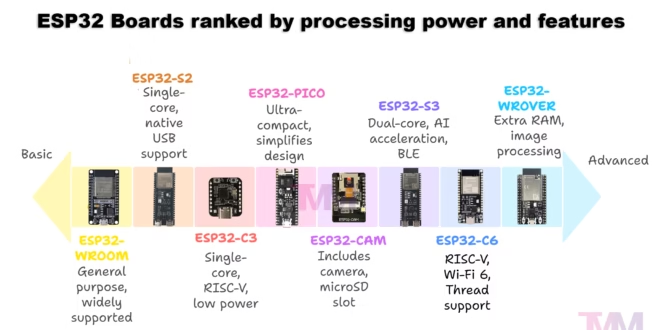
If you’ve just started tinkering with ESP32 microcontrollers, you’ve probably noticed there isn’t just one “ESP32 board” — there are many, each with its own quirks and strengths. Some are built for general prototyping, others come with cameras or extra memory, while newer ones focus on AI, USB gadgets, or smart-home protocols like Matter. This guide breaks down the most common ESP32 boards in simple terms, showing what makes them different and helping you decide which one best fits your project.
ESP32 Boards and Their Uses
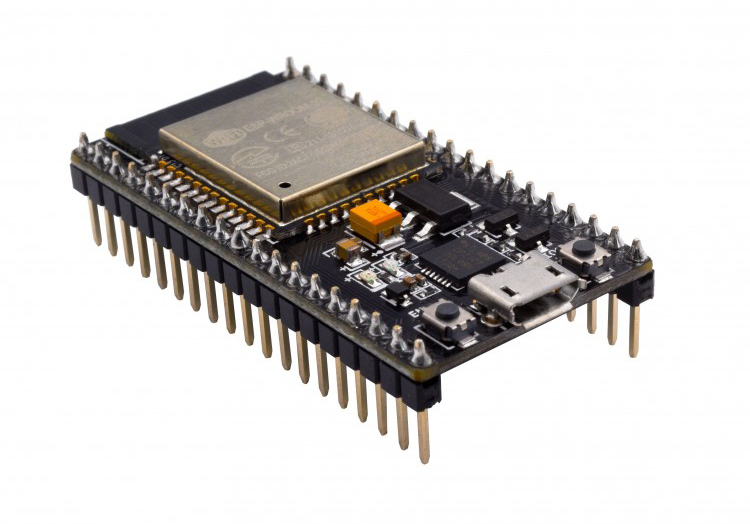
ESP32-WROOM (a.k.a. ESP32 DevKitC)
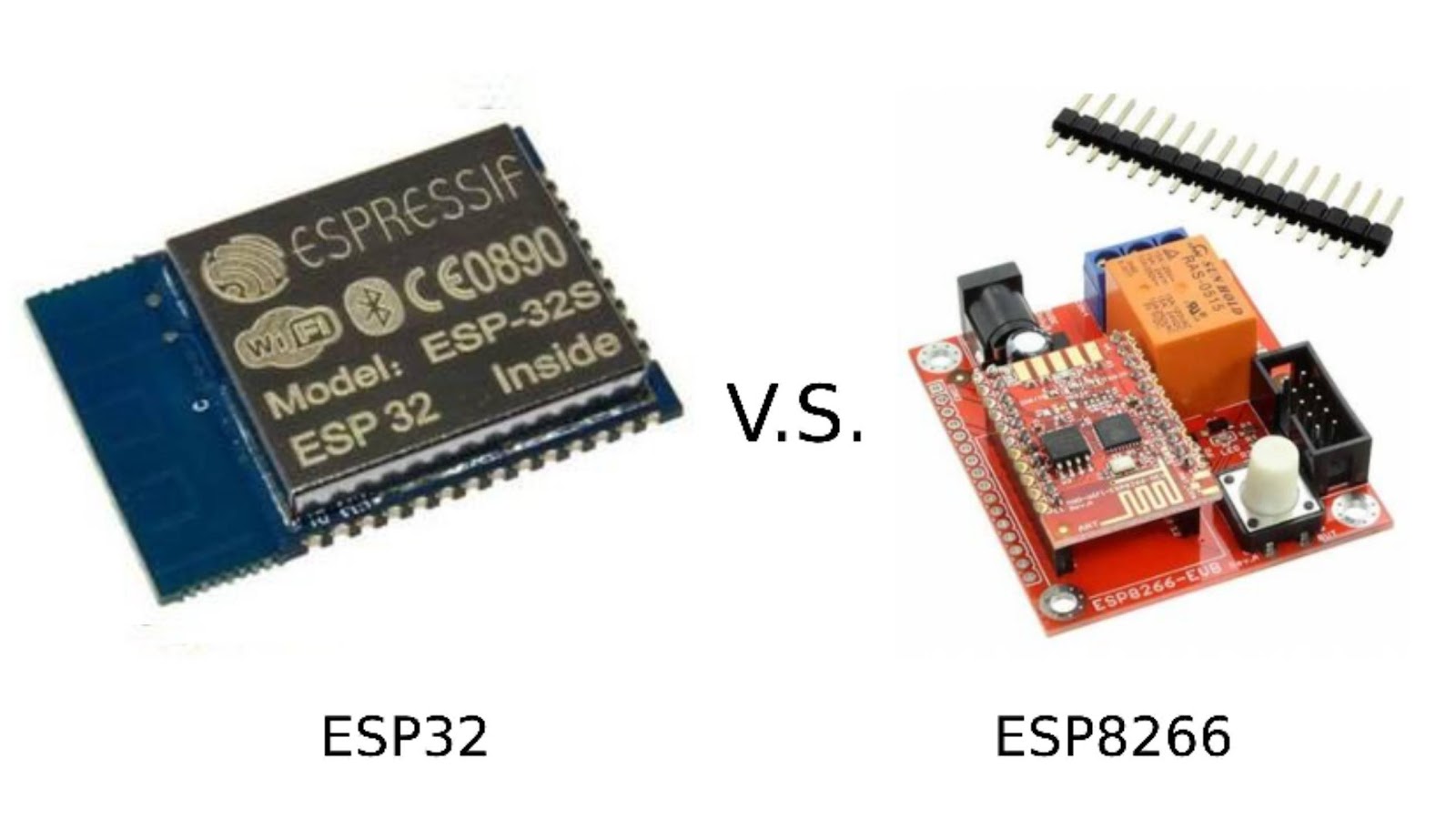
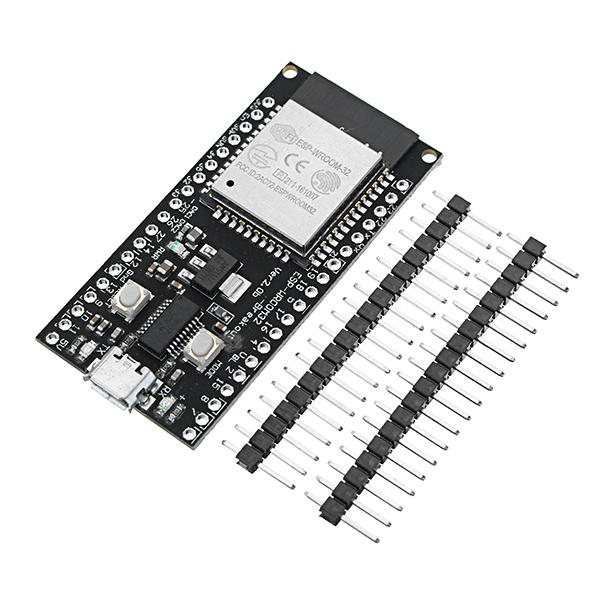
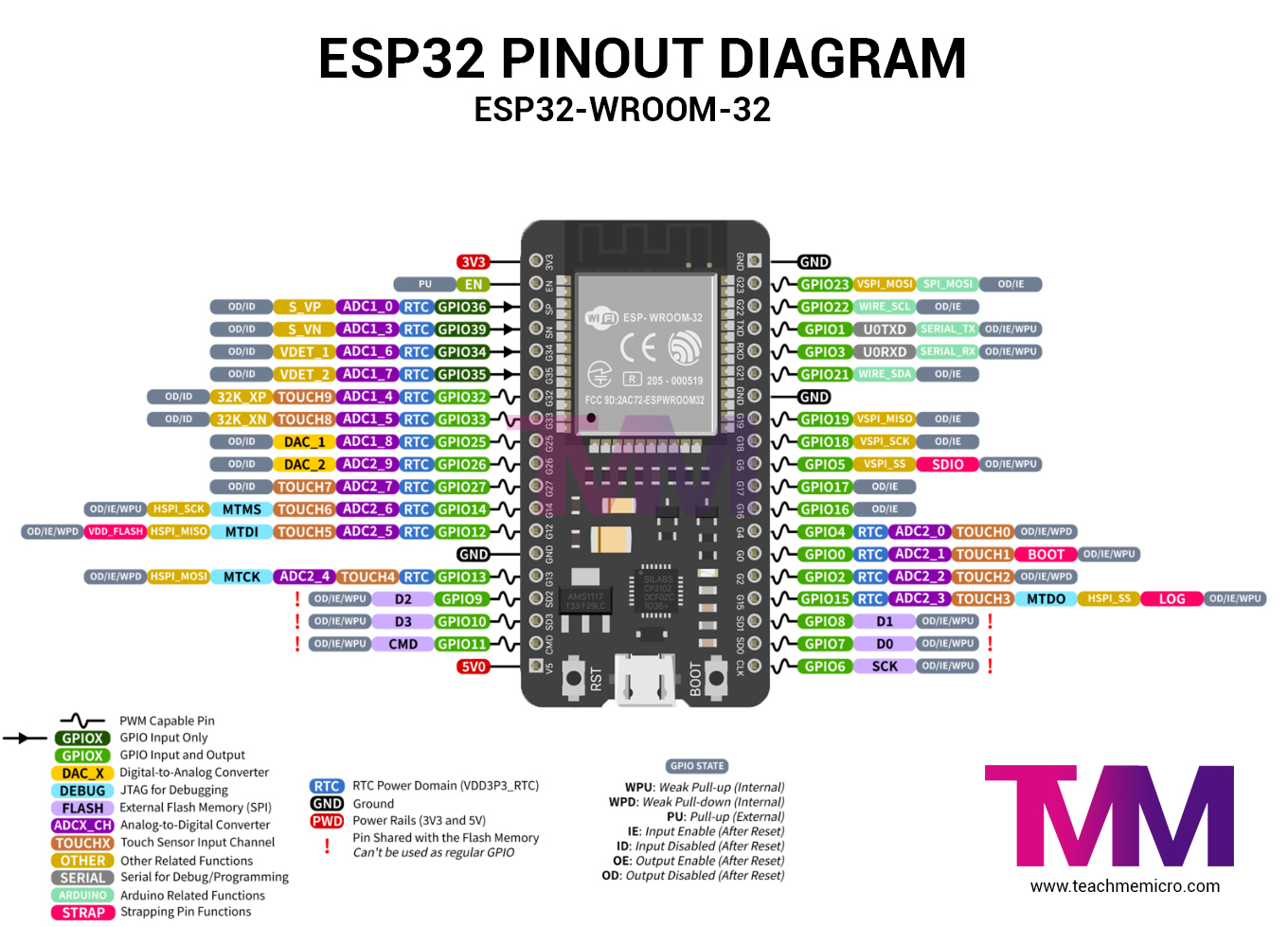
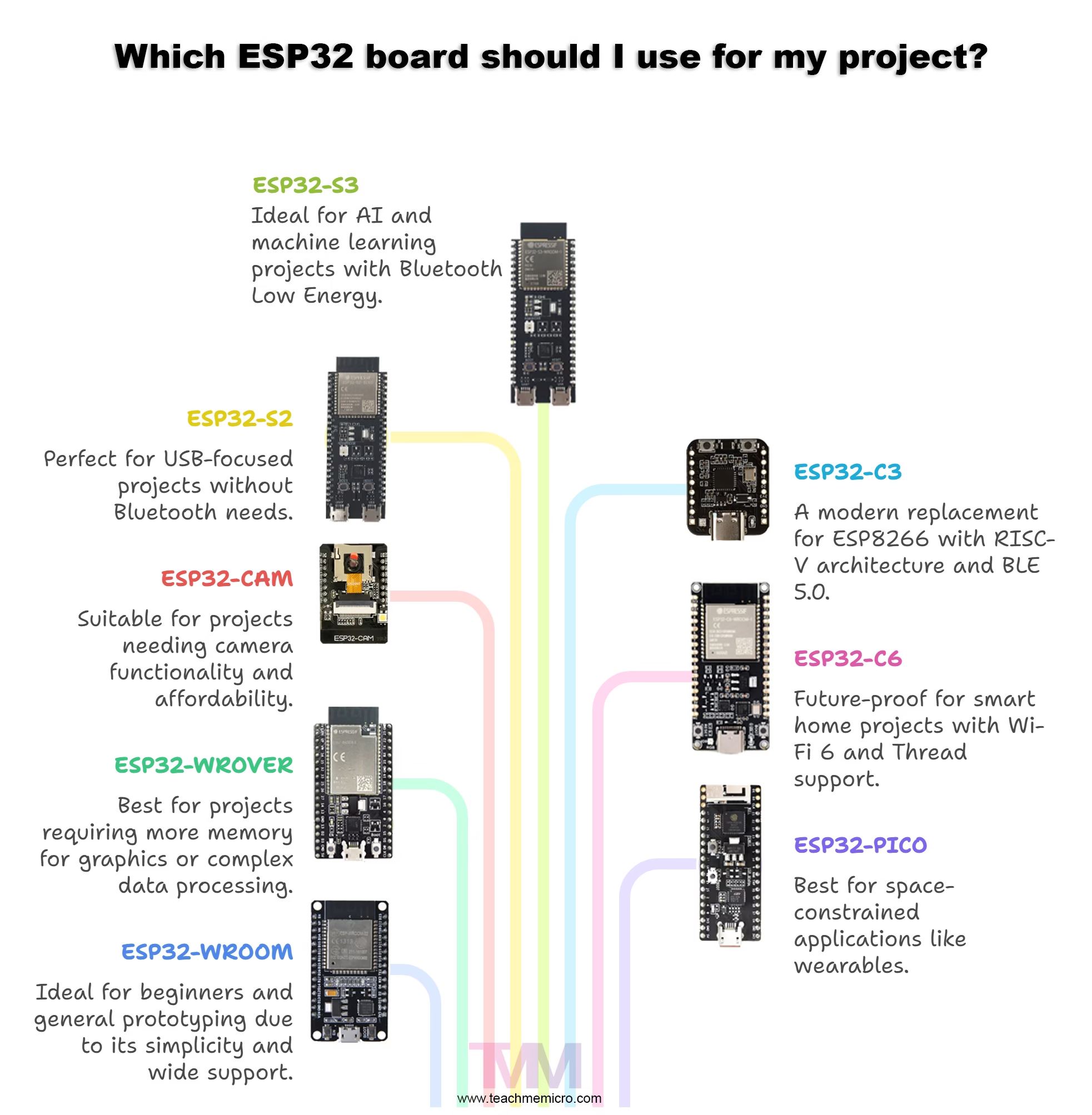
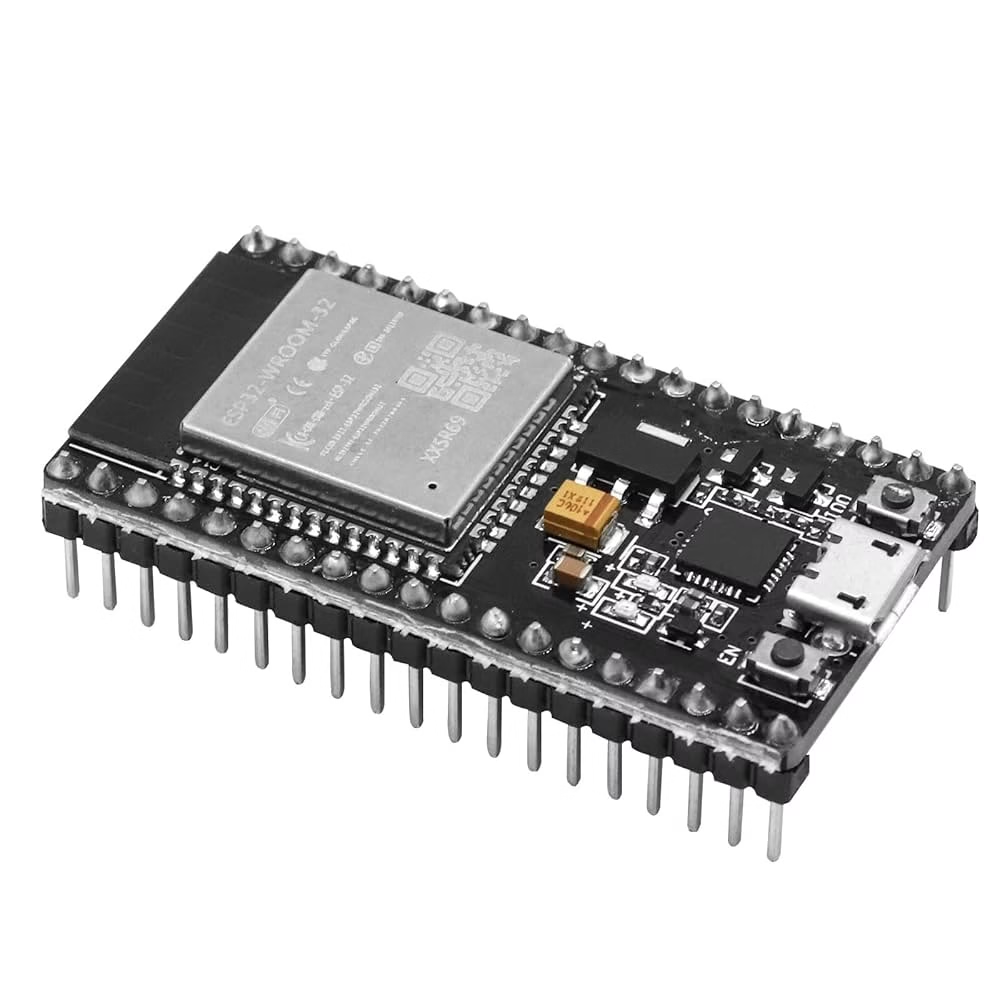 The ESP32-WROOM is the “classic” ESP32 development board. It has the standard ESP32 chip, dual-core processor, Wi-Fi, Bluetooth, and plenty of GPIO pins. Use this when you’re just starting out, prototyping, or don’t have any special needs like camera or audio. It’s the most common board, widely supported in tutorials, and super cheap. Most of our tutorials here uses ESP32-WROOM.
ESP32-WROVER
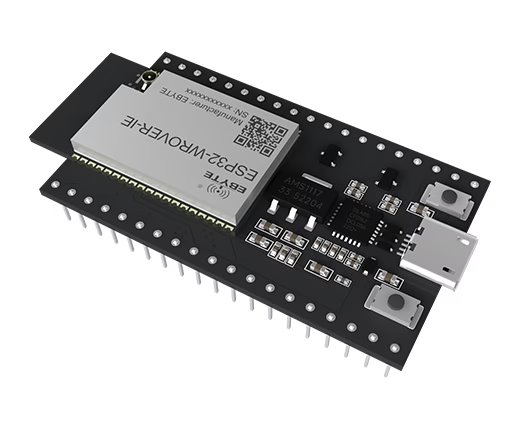 Think of the ESP32-WROVER as the WROOM’s big brother. It has extra RAM (PSRAM) and sometimes a tiny built-in flash. That extra memory makes it great for things like buffering large amounts of data, running displays, or doing camera/image processing. Use this if you need more horsepower for graphics, audio, or complex projects like IoT hubs.
ESP32-CAM
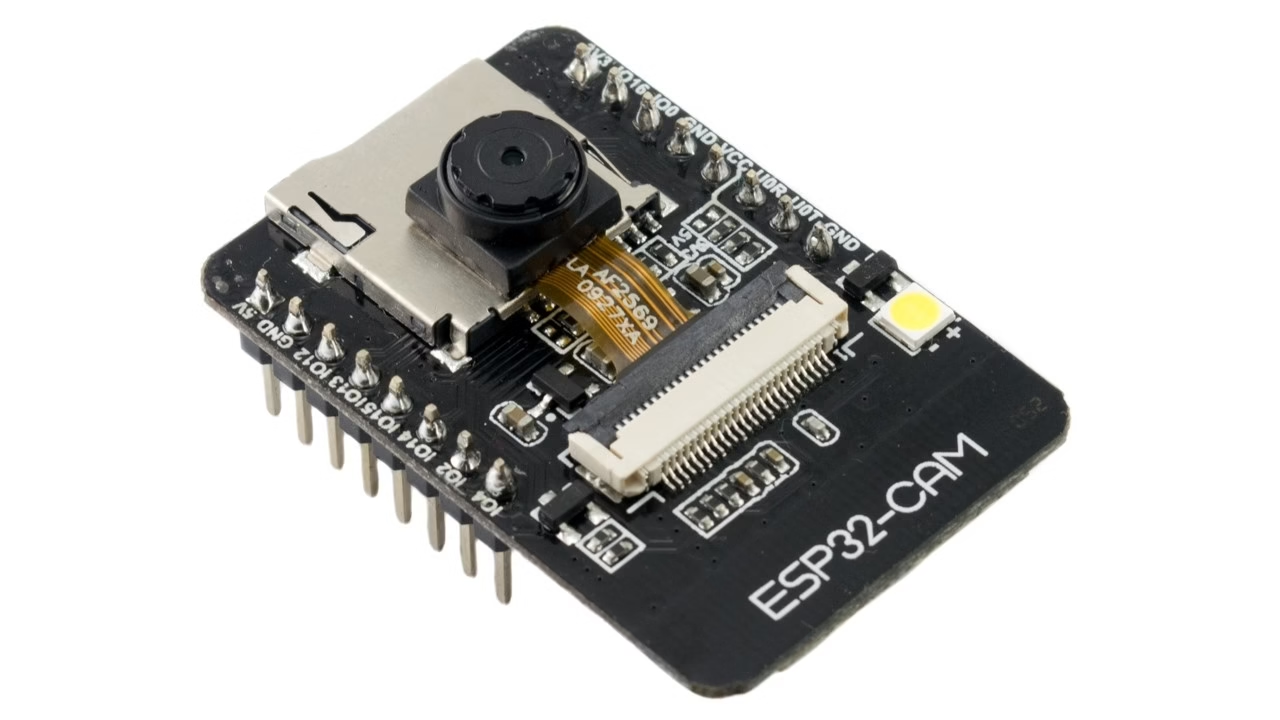 This one comes with a camera module and microSD slot on board, but fewer GPIO pins. It’s tiny and very affordable. The trade-off: no built-in USB port (you’ll need a separate USB-to-serial adapter to program it). Use this for security cameras, motion-triggered image capture, or anything involving low-cost video streaming and snapshots.
ESP32-S2
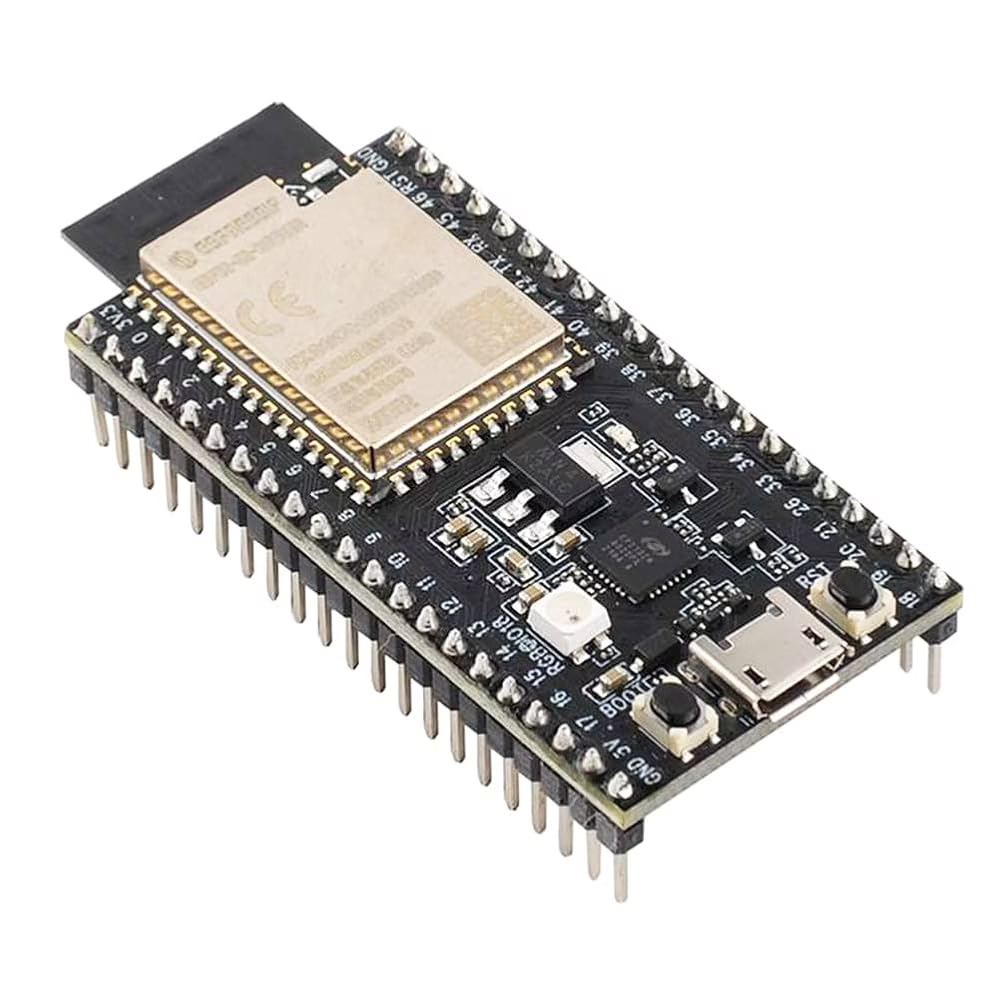
A single-core version of the ESP32, focused more on USB capabilities. It supports native USB, so you can make it appear as a keyboard, mouse, or other USB device. It doesn’t have Bluetooth. Use this for USB gadgets, HID devices, or projects where Bluetooth isn’t needed but USB features are.
ESP32-S3
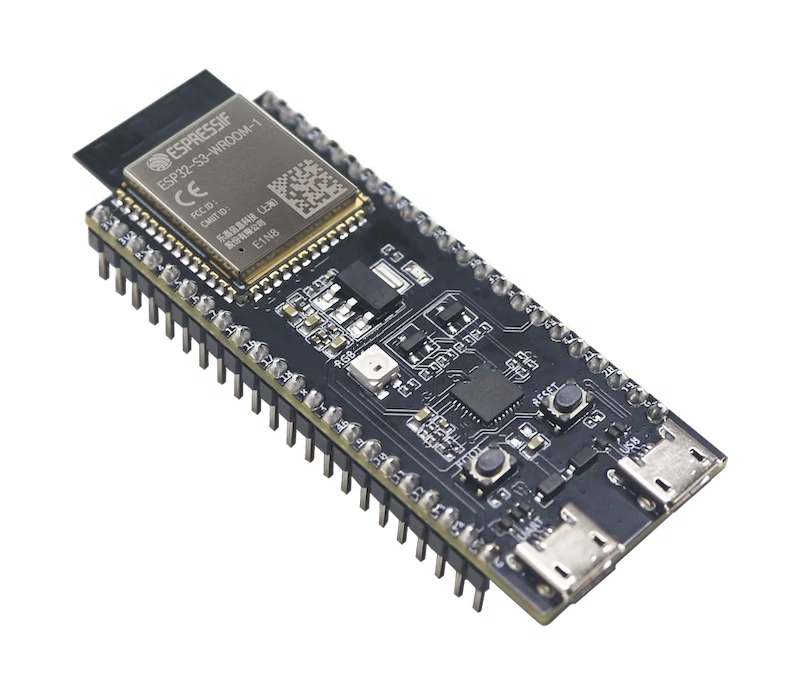 A newer chip that’s like the S2 but upgraded — dual-core again, supports AI acceleration, and has Bluetooth Low Energy (BLE). It’s also optimized for running TinyML (small machine learning models). Use this if you’re building smart sensors, gesture recognition, voice activation, or any ML-flavored project on the edge.
ESP32-C3
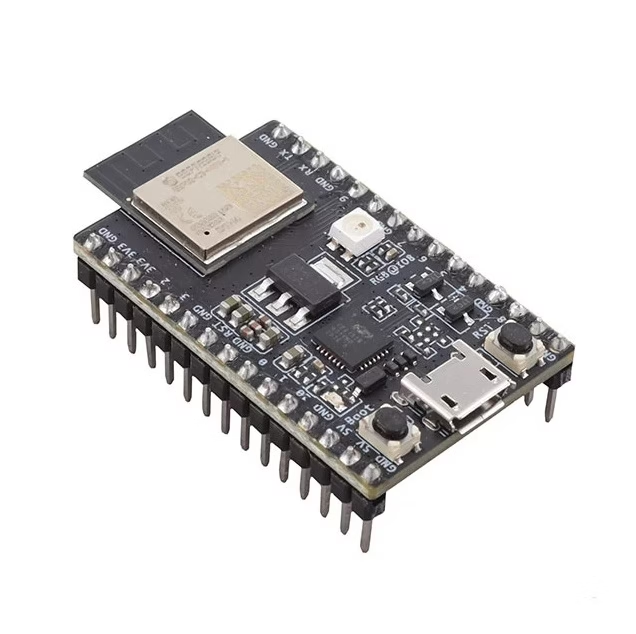 This one is interesting: it uses a RISC-V core instead of the Tensilica cores used in other ESP32s. It’s single-core, has Wi-Fi + BLE 5.0, and is cheaper and lower power. It’s also pin-compatible with many ESP8266 boards. Use this if you need a modern replacement for the old ESP8266, want BLE 5.0 features, or prefer RISC-V architecture.
ESP32-C6 (new kid on the block)
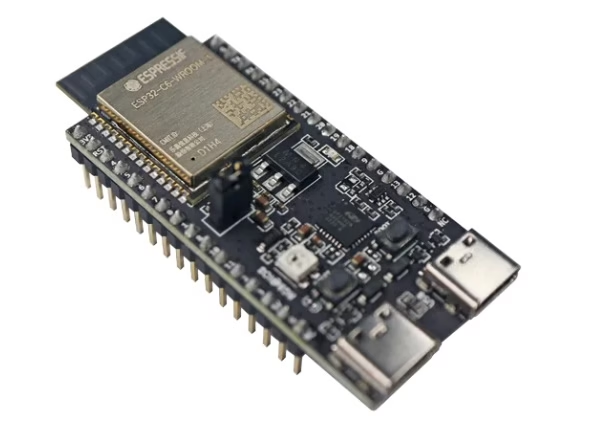 Adds support for Wi-Fi 6 and Thread (Matter protocol for smart home). It’s also RISC-V based. Use this if you want to future-proof for IoT smart home projects, especially those targeting Matter/Thread ecosystems.
ESP32-PICO
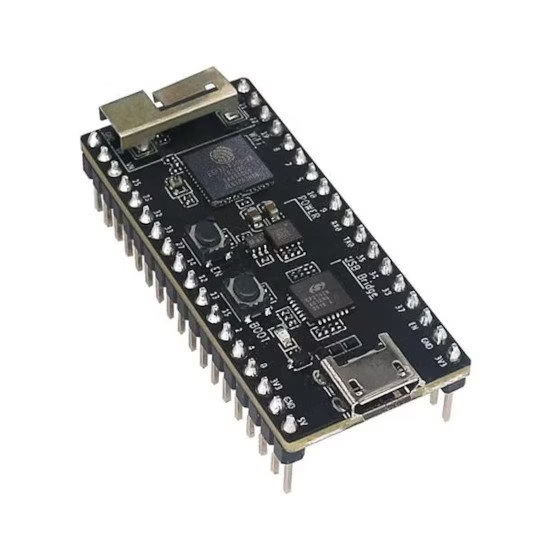 These are ultra-compact modules with the flash, RAM, and even the crystal oscillator all inside one chip. They save space and simplify design. Use this for wearables, tiny IoT devices, or anywhere board space is at a premium.
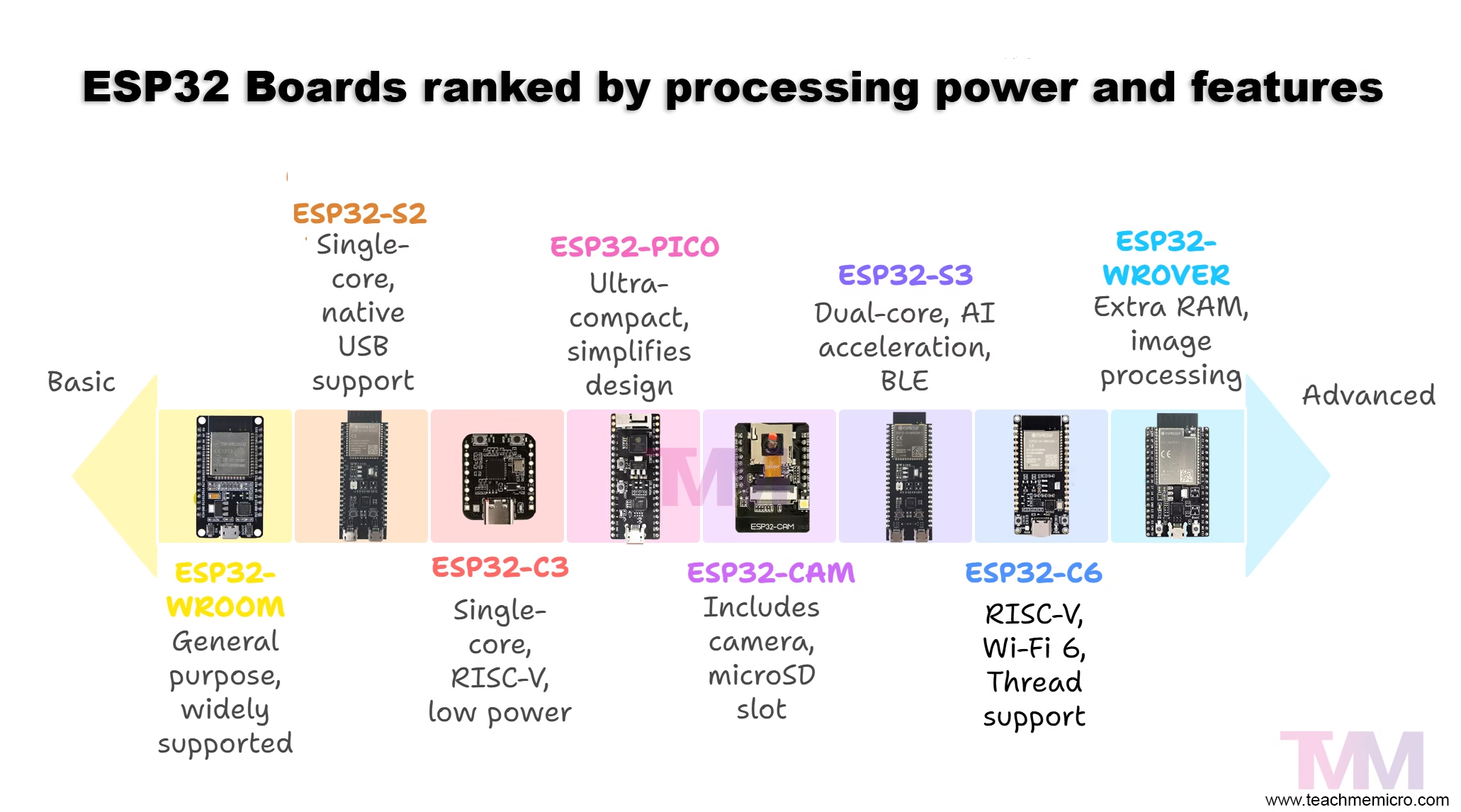
ESP32 Boards Comparison
Quick side-by-side to help you pick the right ESP32 board for your project.
| Board / Module | Cores / Arch | Wi-Fi | Bluetooth | Native USB | PSRAM | GPIO (approx.) | Notable Features | Best For |
|---|---|---|---|---|---|---|---|---|
| ESP32-WROOM (DevKitC) | Dual-core Xtensa | 802.11 b/g/n (2.4 GHz) | Classic + BLE 4.2 | No (uses USB-UART bridge on dev boards) | No | ~25–30 usable | Most common, cheap, broad library/tutorial support | General prototyping, learning, IoT basics |
| ESP32-WROVER | Dual-core Xtensa | 802.11 b/g/n (2.4 GHz) | Classic + BLE 4.2 | No (USB-UART on dev boards) | Yes (typically 4–8 MB) | ~25–30 usable | Extra RAM for images, buffers, GUIs | Displays, audio, buffering, heavier apps |
| ESP32-CAM | Dual-core Xtensa | 802.11 b/g/n (2.4 GHz) | Classic + BLE 4.2 | No (program via external USB-UART) | Varies (often none) | Very limited (camera uses many pins) | OV2640 camera onboard, microSD slot, tiny form factor | Low-cost camera, snapshots, simple streaming |
| ESP32-S2 | Single-core Xtensa | 802.11 b/g/n (2.4 GHz) | No Bluetooth | Yes (USB OTG) | Optional (some modules) | ~30+ usable | Native USB: HID, MSC, MIDI; lower power than classic ESP32 | USB gadgets (keyboards, mice, MIDI), secure devices |
| ESP32-S3 | Dual-core Xtensa + vector instructions | 802.11 b/g/n (2.4 GHz) | BLE 5 (LE), no Classic | Yes (USB OTG) | Common (up to 8 MB) | ~30+ usable | Improved AI/ML on device, camera LCD friendly, rich I/O | Edge ML, vision, BLE sensors, modern USB projects |
| ESP32-C3 | Single-core RISC-V | 802.11 b/g/n (2.4 GHz) | BLE 5 (LE) | Yes on some dev boards (USB-CDC) module lacks OTG | Typically no (some boards add) | ~20–22 usable | Low cost, secure boot, ESP8266-like footprint | ESP8266 upgrade path, low-power BLE + Wi-Fi |
| ESP32-C6 | Single-core RISC-V | Wi-Fi 6 (2.4 GHz) + 802.15.4 (Thread) | BLE 5 (LE) | Yes on many dev boards (USB-CDC) module lacks OTG | Typically no | ~20–22 usable | Matter/Thread ready, better coexistence, future-proof IoT | Smart-home (Matter/Thread), modern IoT stacks |
| ESP32-PICO | Dual-core Xtensa | 802.11 b/g/n (2.4 GHz) | Classic + BLE 4.2 | No | No (focus is tiny footprint) | ~20–24 usable | Everything (flash, crystal) integrated in tiny QFN | Wearables, ultra-compact designs, cost-sensitive products |
Quick “When to Use Which” Cheat Sheet
- Beginner / General use: ESP32-WROOM (DevKitC)
- Projects needing more RAM: ESP32-WROVER
- Camera projects: ESP32-CAM
- USB gadgets (keyboards, MIDI, HID): ESP32-S2
- AI / ML or advanced BLE: ESP32-S3
- Low-cost ESP8266 replacement: ESP32-C3
- Smart home Matter/Thread: ESP32-C6
- Tiny/wearables: ESP32-PICO
The ESP32 family has grown into a versatile lineup that covers everything from simple hobby projects to advanced IoT and AI applications. Whether you’re building your first prototype, experimenting with cameras and sensors, or preparing for future smart-home standards, there’s an ESP32 board tailored for the job. The key is matching the board’s strengths to your project’s needs — start simple, then explore the more specialized modules as your ideas expand.