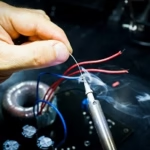
The motherboard is the central backbone of every computer system. Whether it is a laptop, desktop PC, or industrial device, all components communicate through the motherboard. Understanding motherboards and board parts is essential not only for IT professionals and technicians, but also for anyone looking to upgrade, repair, or maintain computer hardware. This guide explains what a motherboard is, its key components, their functions, and why quality board parts matter in real-world repairs.
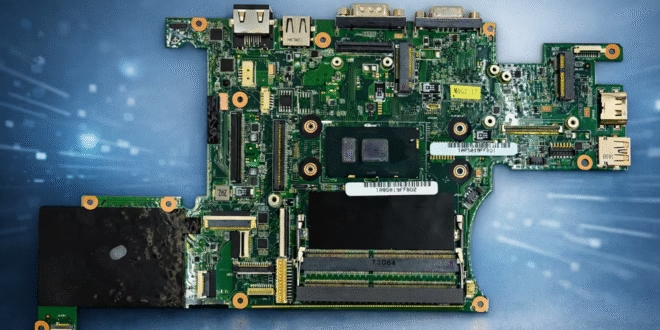
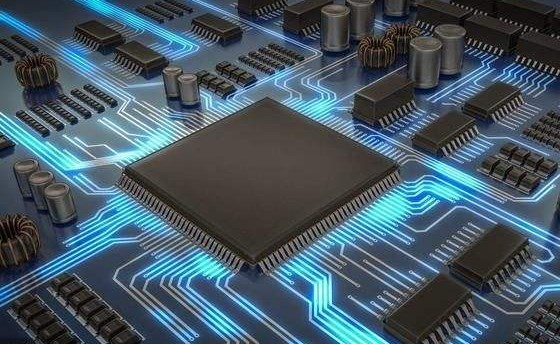
A motherboard is the main printed circuit board (PCB) inside a computer. It connects and coordinates all essential hardware components, including the processor, memory, storage, graphics, and power delivery systems.
Without a functioning motherboard, a computer cannot operate. It distributes power, enables data communication between components, and provides connectors for peripherals and expansion devices.
Motherboard Function Explained
The primary functions of a motherboard include:
Connecting all internal hardware components
Managing communication between CPU, RAM, storage, and peripherals
Distributing power from the power supply to components
Hosting firmware (BIOS/UEFI) that initializes hardware
Supporting expansion via slots and connectors
In laptops, the motherboard integrates even more functionality, often including graphics, audio, networking, and power management circuits directly on the board.
Motherboard Components and Their Functions
Understanding motherboard parts and functions is crucial for diagnostics and repairs. Below are the most important components found on modern motherboards.
1. CPU Socket or Soldered CPU
Holds or integrates the processor
Executes instructions and calculations
Laptop CPUs are usually soldered directly to the board
2. RAM Slots (Memory Slots)
Accept system memory modules
Enable fast temporary data access
Faulty slots can cause boot failures or crashes
3. Chipset
Manages communication between CPU, memory, and peripherals
Controls USB, SATA, PCIe, and other interfaces
4. Power Delivery Components (VRM)
Voltage Regulator Modules supply stable power to CPU and GPU
Failed VRMs often cause sudden shutdowns or no-power issues
5. Storage Connectors
SATA ports for HDDs and SSDs
M.2 slots for NVMe and SATA SSDs
6. Expansion Slots
PCIe slots for graphics cards and other expansion cards
More common on desktop motherboards
7. Input/Output (I/O) Controllers
USB controllers
Audio chips
Network adapters
8. BIOS / UEFI Chip
Stores firmware required to boot the system
Corruption can prevent startup entirely
Motherboard Parts Name Overview
Common motherboard parts names include:
CPU socket
RAM slot
Chipset
VRM
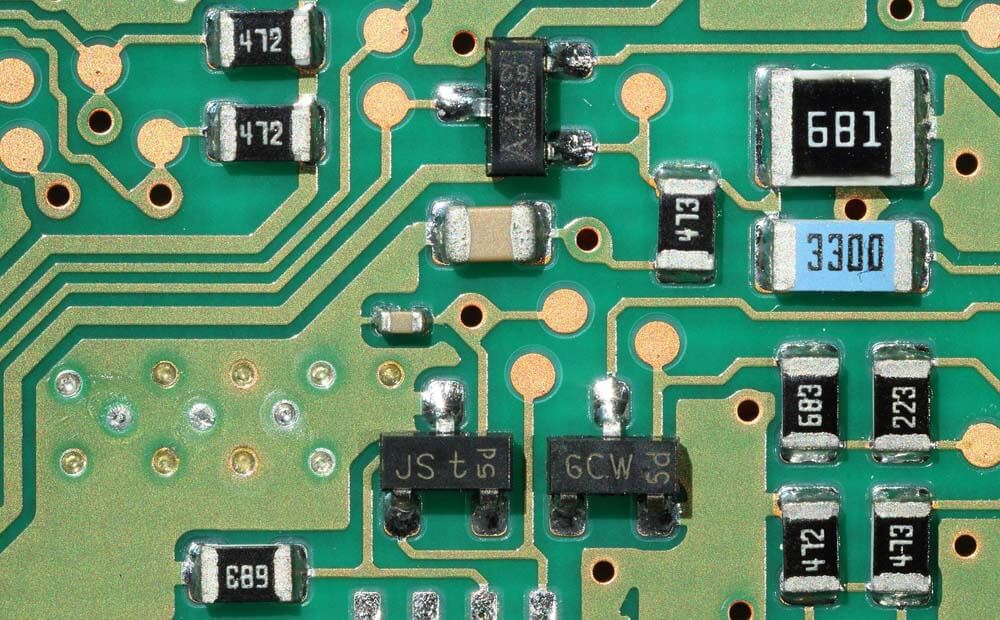
MOSFET
Capacitors
BIOS chip
SATA connector
M.2 slot
Power connector
USB header
Knowing these names helps when sourcing replacement parts or diagnosing board-level failures.
Motherboard Parts and Functions PDF – Why Technicians Use Diagrams
Many technicians that do a laptop repairs rely on motherboard parts and functions PDF diagrams during repairs. These documents help identify:
Power rails
Signal paths
Component locations
Common failure points
While PDFs are useful, real-world troubleshooting still requires experience and access to compatible board parts.
Common Motherboard Failures in Laptops
From a service perspective, the most frequent motherboard-related issues include:
No power or no charging
Short circuits caused by liquid damage
Burned power ICs or MOSFETs
Faulty BIOS firmware
Broken connectors or flex sockets
In many cases, replacing a single board component can restore full functionality without changing the entire motherboard.
Sourcing Quality Motherboards and Board Parts
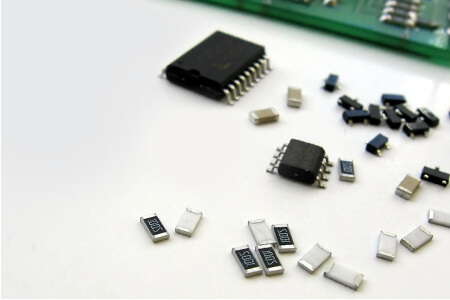
For professional repairs, sourcing reliable components is critical. Technicians often work with specialized suppliers of Motherboards and Board Parts who provide compatible components for multiple laptop brands, ensuring correct fit, electrical stability, and long-term reliability.
Using trusted suppliers reduces repeat repairs, speeds up turnaround time, and improves customer satisfaction, especially when working with complex laptop motherboards.
Why Motherboard Knowledge Matters
Understanding motherboard components and functions allows technicians to:
Accurately diagnose hardware failures
Avoid unnecessary full-board replacements
Reduce repair costs
Extend device lifespan
For businesses and service centers, this knowledge translates directly into efficiency and profitability.
Motherboards are far more than just circuit boards. They are complex systems that integrate power management, data communication, and control logic into a single platform. Knowing what a motherboard is, understanding motherboard components, and recognizing motherboard parts and functions is essential for anyone involved in IT support, electronics repair, or hardware sourcing.
As modern devices become more compact and integrated, expertise in motherboards and board parts is no longer optional, it is a core technical skill.