A USB Type-C TID number helps buyers trace a product through the USB-IF compliance program. The number alone does not prove that a cable or connector has passed certification. Before approving a supplier, verify the relevant product record and make sure it covers the item you intend to purchase.
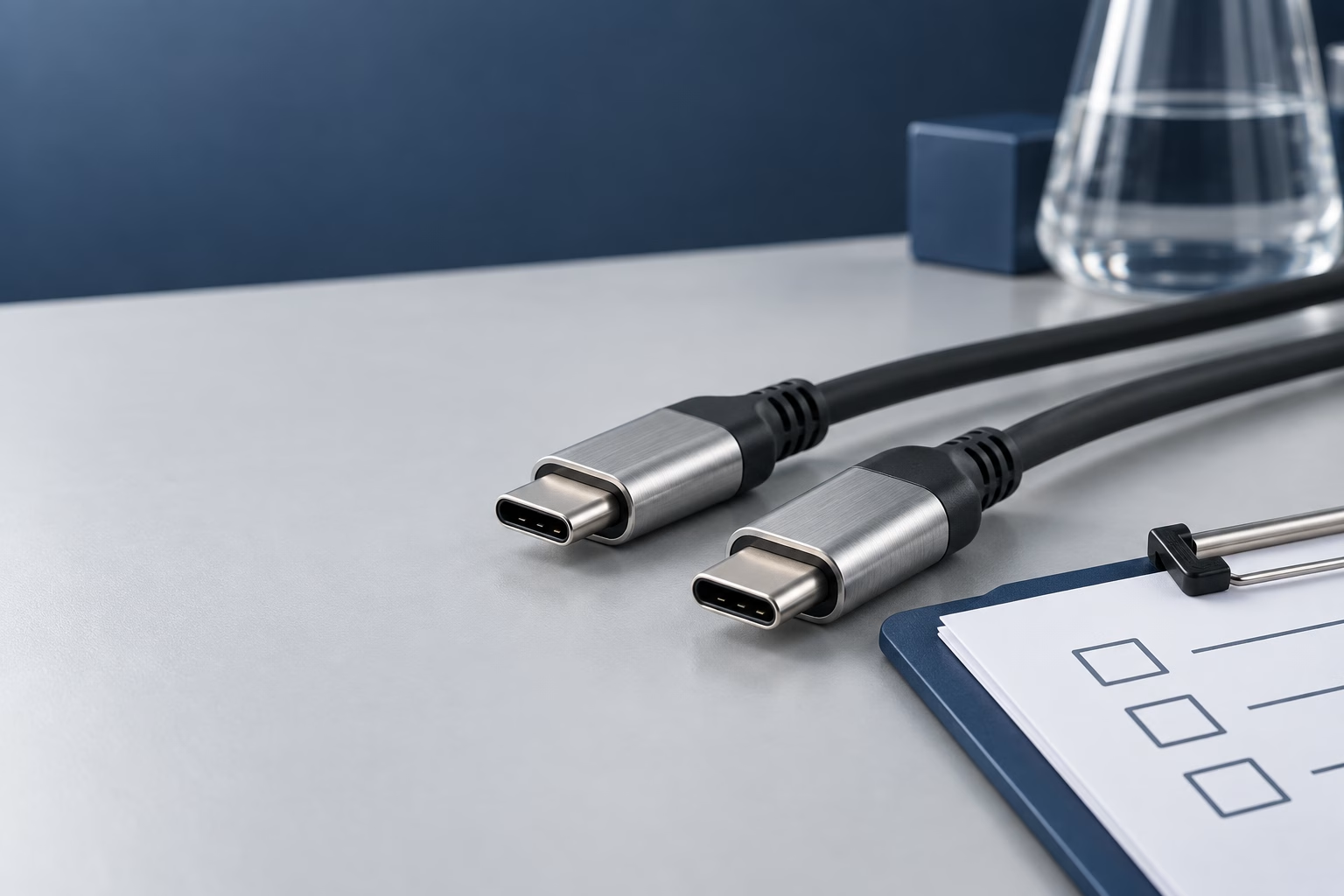
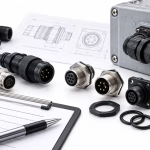
USB-C cable plugs beside a checklist on a laboratory desk
TID stands for Test ID. USB-IF uses it to track a product submission and the test criteria applied to that product. In the authorized laboratory route, the laboratory assigns a TID once it accepts the product for testing. Successful certification follows testing and USB-IF review; it is not established by receiving a number alone. [1]
Keep three items separate when reviewing supplier documents: the company identity, the product test record, and the certification outcome. A company membership statement or a TID on a quotation cannot replace checking the applicable product listing.
How buyers can verify a TID
Start with the official USB-IF Product Search page and enter the supplier’s TID. Compare the company name, product model, and category with the quotation and datasheet. The public search defaults to a recent certification window; adjust the date filter when checking older products. If you cannot find a record, ask the supplier and USB-IF to clarify before drawing a conclusion.
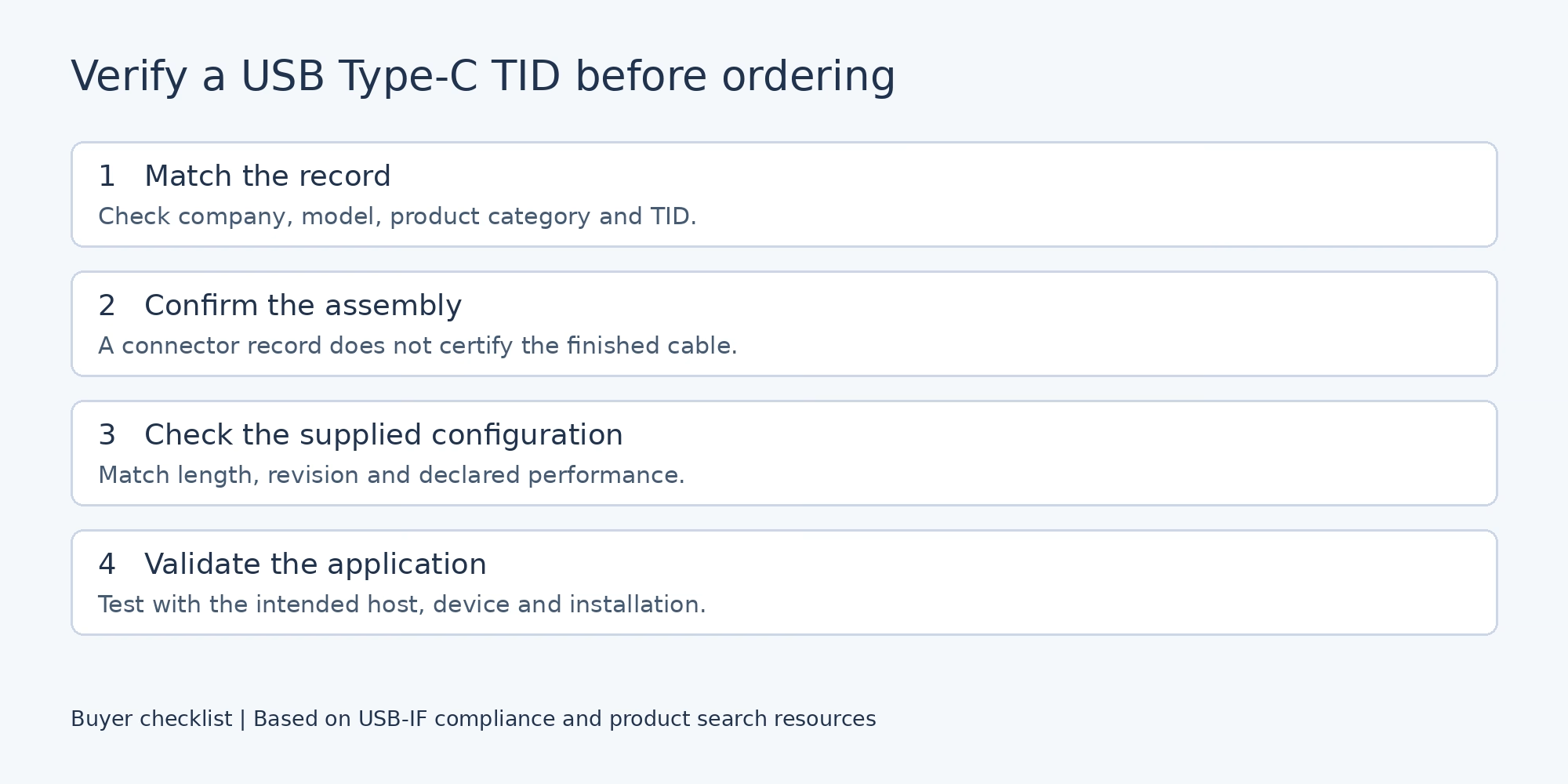
Four checks for matching a TID record to a USB-C cable purchase
Connector certification and cable certification
Ask whether the supplied TID belongs to a connector or a complete cable assembly. USB-IF requires connectors used in an assembly seeking certification to be certified before the assembly is submitted, and verifies their TIDs. That component requirement does not certify the finished assembly. [4]
For purchasing, record the exact part number, length, and revision. If a supplier offers several lengths or customized variants, request evidence that the ordered configuration is covered. Do not extend one record to every product in the supplier’s catalog.
What to do when the details do not match
Request a corrected part number, the relevant record, and an explanation of any naming difference. Keep the order on technical review until the discrepancy is resolved. A test report for a similar product may help engineering evaluation, but do not present it as certification of the ordered item.
How the certification process works
Begin by identifying the product category and applicable requirements. Register the product through the current USB-IF process and choose an authorized laboratory that can test that category. The vendor and laboratory agree on the test schedule and price; the laboratory submits results for USB-IF review.
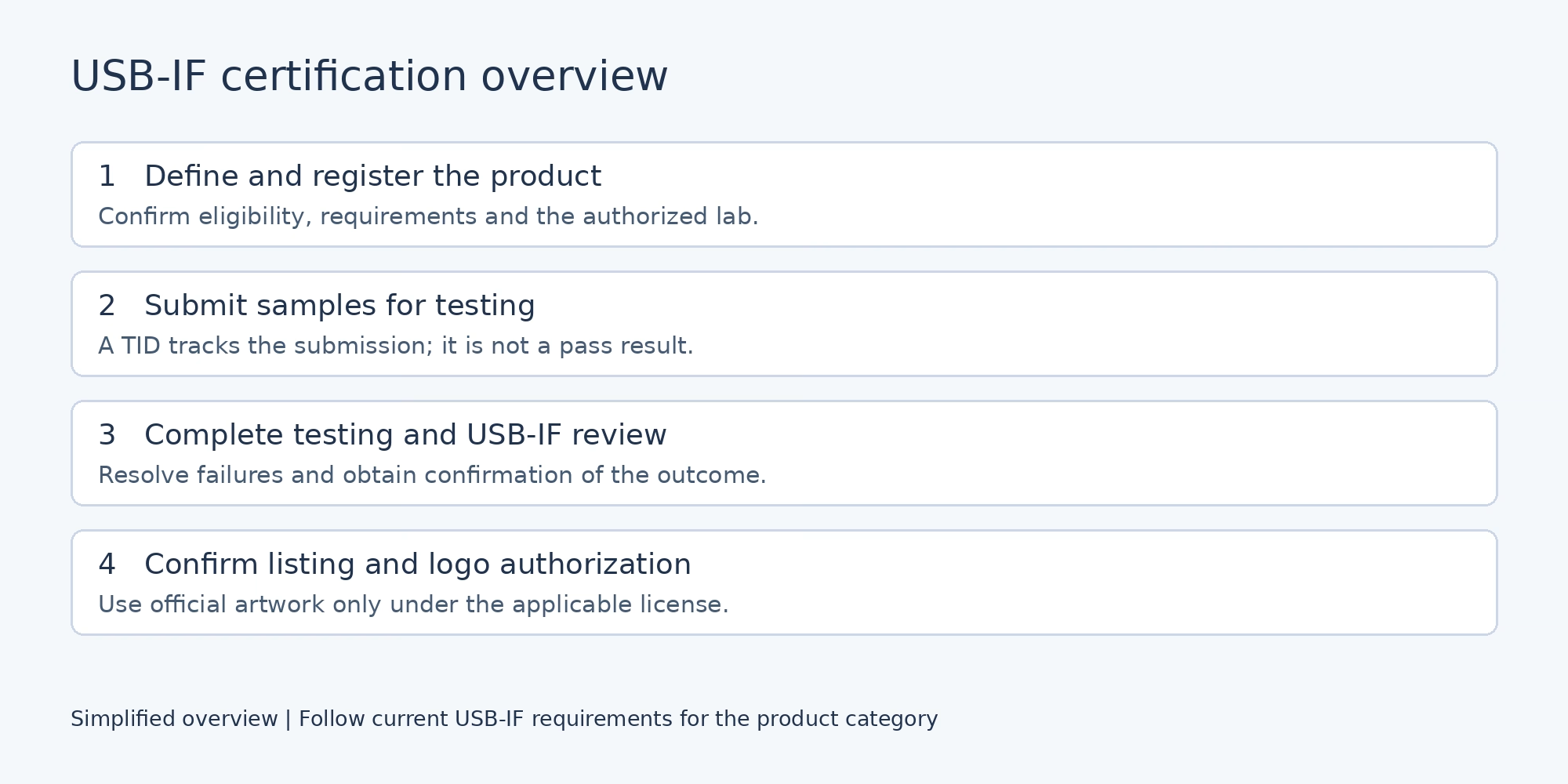
USB-IF certification stages from product registration to listing and logo authorization
Membership fees and test quotations
USB-IF membership is not the only route described on the official Vendor ID page; a non-member logo licensing route is also available. Membership, Vendor ID assignment, logo licensing and laboratory testing are separate considerations. Request current official charges and a product-specific laboratory quotation instead of budgeting from an old article.
Using certified USB logos
Use of a certified USB logo depends on the qualifying product, its listing and the applicable USB-IF trademark license. Obtain official artwork and follow the relevant usage guidelines. A supplier’s membership or a logo copied onto packaging is insufficient evidence of product certification.
For a cable project, agree the certification scope and packaging claims before production. Avoid adding marks to a customized product until the applicable authorization has been confirmed.
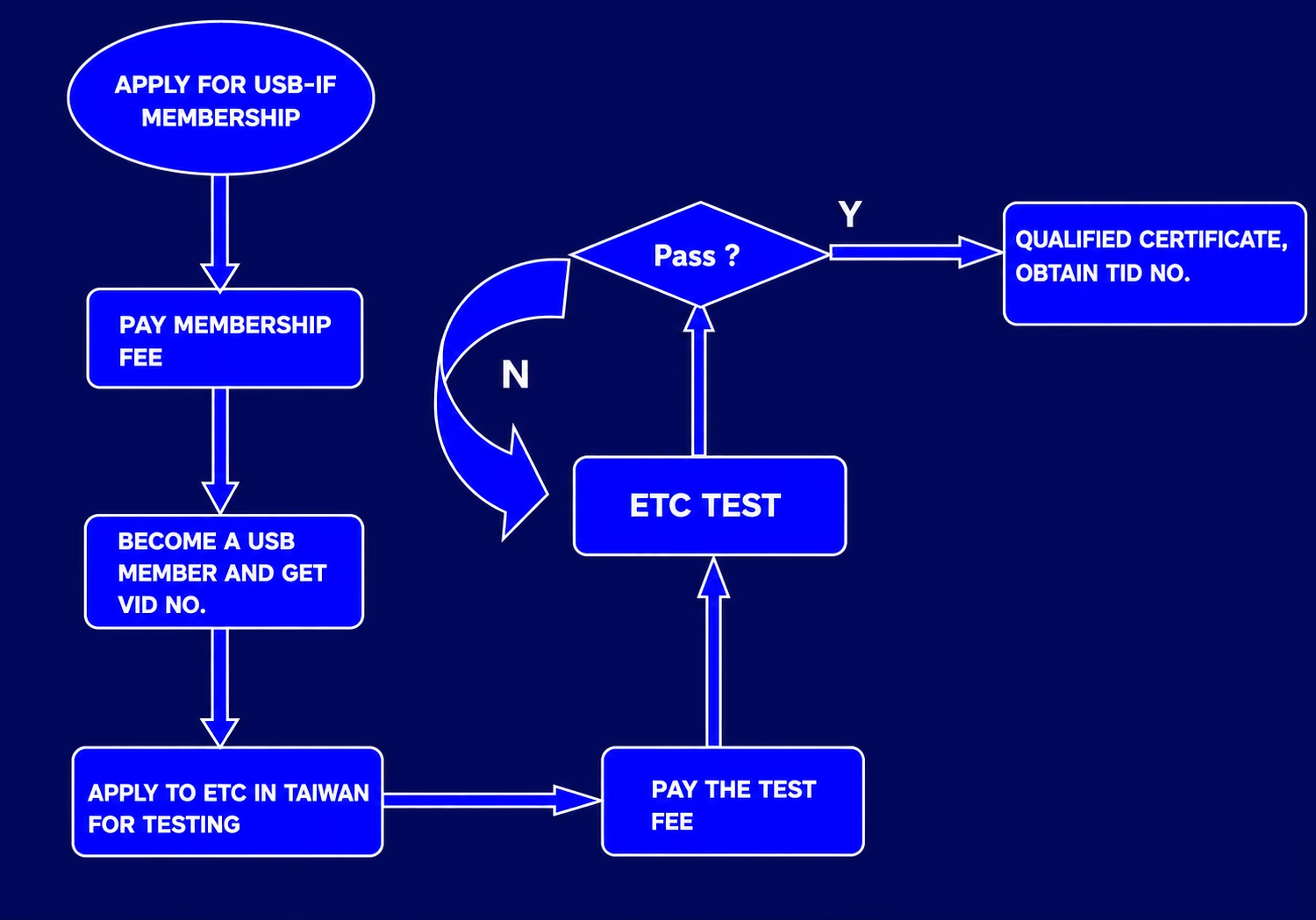
Questions to ask before buying USB C cables
- What exact model, length, and revision will be delivered?
- Does the TID cover the complete cable assembly or a component?
- What data rate and charging capability are specified for this configuration?
- Does it support video, and what host and display requirements apply?
- Can samples be tested with our actual equipment before production?
Frequently asked questions
Does a TID guarantee compatibility with my system
No. Certification evidence and application validation serve different purposes. Confirm the cable’s documented capabilities and test it with the intended equipment, power requirements and installation conditions.
Can one TID cover every customized cable
Do not assume it can. USB-IF has policies for related products, but you must confirm coverage for the specific configuration. Ask the supplier or authorized laboratory whether a change requires further assessment.