
A thermistor is a special resistor whose resistance varies with temperature. Learn how to interface a thermistor with a microcontroller in this tutorial.
Read More »How to Interface a Thermistor

A thermistor is a special resistor whose resistance varies with temperature. Learn how to interface a thermistor with a microcontroller in this tutorial.
Read More »
The Raspberry Pi comes with a camera connector on board. But if you don't want to buy the official camera and use a web camera instead, you can! I'll show you how to display a video from the webcam on a web server hosted by a Raspberry Pi
Read More »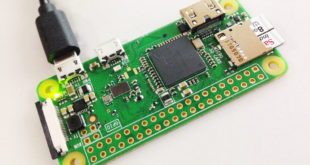
I finally got my hands on a Raspberry Pi Zero W and started the usual tinkering. For those unaware, this smaller version of the Raspberry Pi packs a 1 GHz CPU and 512 MB of RAM. But what excites me the most is the WiFI and Bluetooth connectivity that comes …
Read More »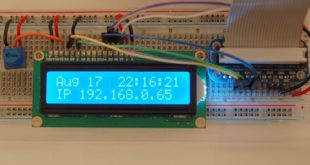
Maybe you’ve used an HD4480-based LCD before (pictured) and you know that it requires a potentiometer for adjusting contrast. Is there a way to remove this potentiometer completely?
Read More »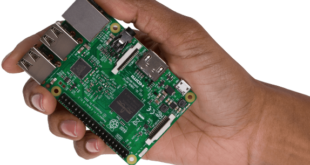
I got plenty of questions regarding microcontroller power outputs and requirements especially for popular ones like PIC or the Arduino. So I decided to answer all of them in this post. Technically, Raspberry Pi and BeagleBone Black are not microcontrollers (I like to call them microcomputers) but I decided to …
Read More »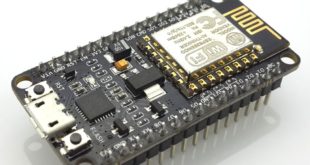
You can use WiFi with the NodeMCU (ESP8266) even without a WiFi router. All you need to do is create a NodeMCU WiFi Access Point and the device will now act as a WiFi gateway.
Read More »
Uploading sensor data to web servers is one of the core ideas for Internet of Things (IoT). Such data are often small-sized and are continuously updated over time. And while HTTP performs satisfactorily for simple applications, like how I showed in my NodeMCU web server tutorial, there is a need …
Read More »
Connecting your Arduino project to the Internet is easy though WiFi and modules like the ESP8266 or a WiFi shield. Another option is to ditch wireless and use an Ethernet shield. But what if there’s no WiFi or network cable available? The solution would be to connect to the Internet …
Read More »
In this tutorial, I will show you how to add an LCD hat to your Raspberry Pi. This is an alternative to connecting a Liquid Crystal Display to your Pi through its HDMI port.
Read More »
Wireless control is much more convenient, especially at a significant distance. Imagine having wires from your controller to your robot! Also, making your project portable is essentially saying making it wireless (unless you still need to plug it on mains). In this tutorial, we’ll look at popular methods for achieving …
Read More »